GitHub
GitHub App
Inline reviews, check runs, auto-approve, reactions feed learning.
Integrations
Connect in a few clicks with OAuth or a GitHub App. MergeHarbor registers webhooks for you and posts reviews natively on each platform.
GitHub App
Inline reviews, check runs, auto-approve, reactions feed learning.
GitHub App on your instance
Same capabilities as GitHub, on your own server.
Connect with GitLab (OAuth) or an access token
Merge-request discussions on the diff, commit statuses, award emoji feed learning.
OAuth application or access token
Works on private networks when MergeHarbor can reach your instance.
Connect with Bitbucket (OAuth) or an access token
Inline comments, build statuses, pull requests from forks.
HTTP access token
Anchored inline comments and build statuses.
Access token
Pull-request reviews, commit statuses, reactions feed learning.
| Capability | GitHub | GitLab | Bitbucket Cloud | Bitbucket DC | Gitea |
|---|---|---|---|---|---|
| Inline review comments | ✓ | ✓ | ✓ | ✓ | ✓ |
| Status check | ✓ | ✓ | ✓ | ✓ | ✓ |
| Auto-approve | ✓ | ✓ | ✓ | ✓ | ✓ |
| Update pull request description | ✓ | ✓ | ✓ | ✓ | ✓ |
| @mergeharbor commands | ✓ | ✓ | ✓ | ✓ | ✓ |
| Reactions as feedback | ✓ | ✓ | Console | Console | ✓ |
| Automatic webhook setup | ✓ | ✓ | ✓ | ✓ | ✓ |
“Console” means comments are rated in the MergeHarbor console because the host has no reactions API.
Coding agents
Every comment can include a ready-to-paste prompt with the file, lines, issue, and suggested change, labelled for the agents your organization uses.
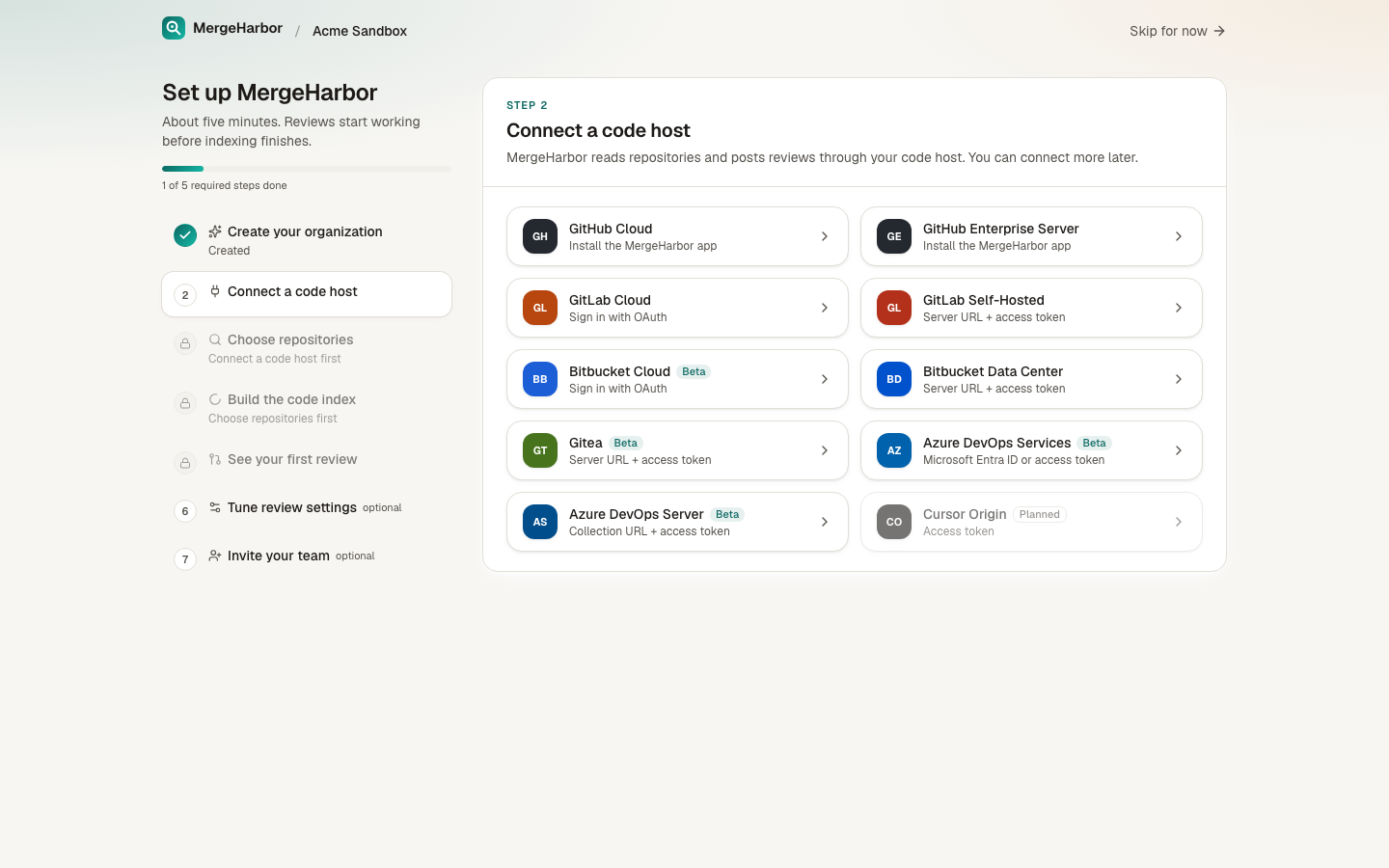
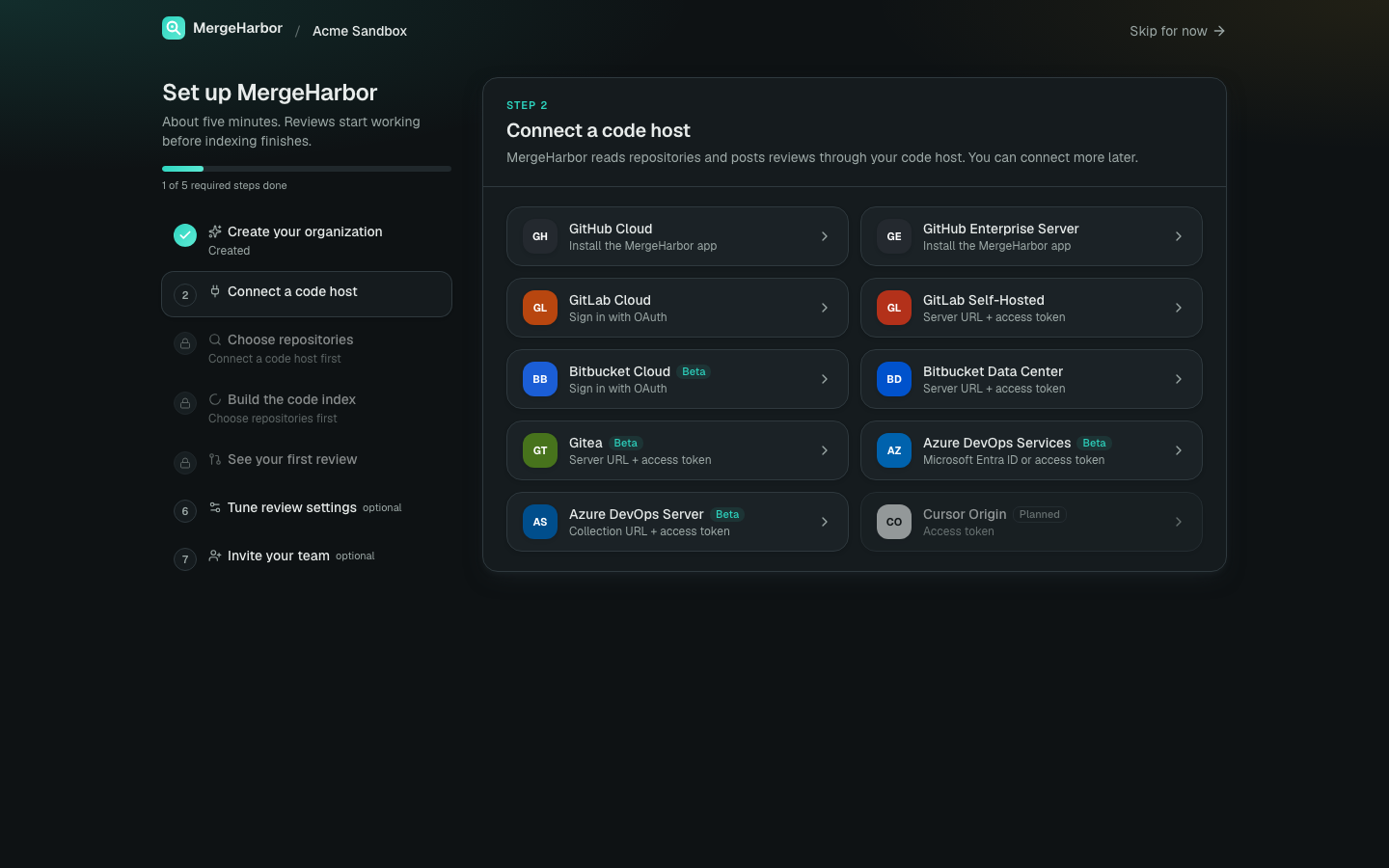
Install the GitHub App or connect GitLab or Bitbucket in under five minutes.